
Posted on

UL and C-UL Hazardous Areas Classification, North America

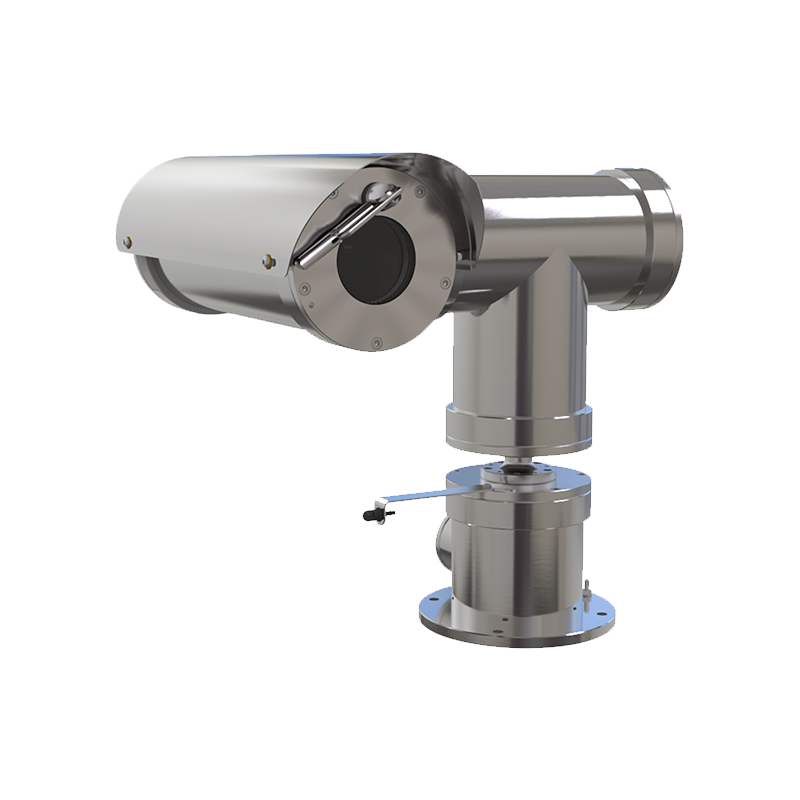
Explosion Proof Camera

  Here is a great article from the UL website in regards to UL and C-UL Classifications for Hazardous Locations, that is helpful. Read the full article on UL’s site here: UL and C-UL Classifications, Hazardous, NA  (UL.COM Hazardous-Locations) Source:  www.ul.com Author:  UL, LLC.   UL and C-UL Certification for North America UL and C-UL […]

Continue Reading
Posted on

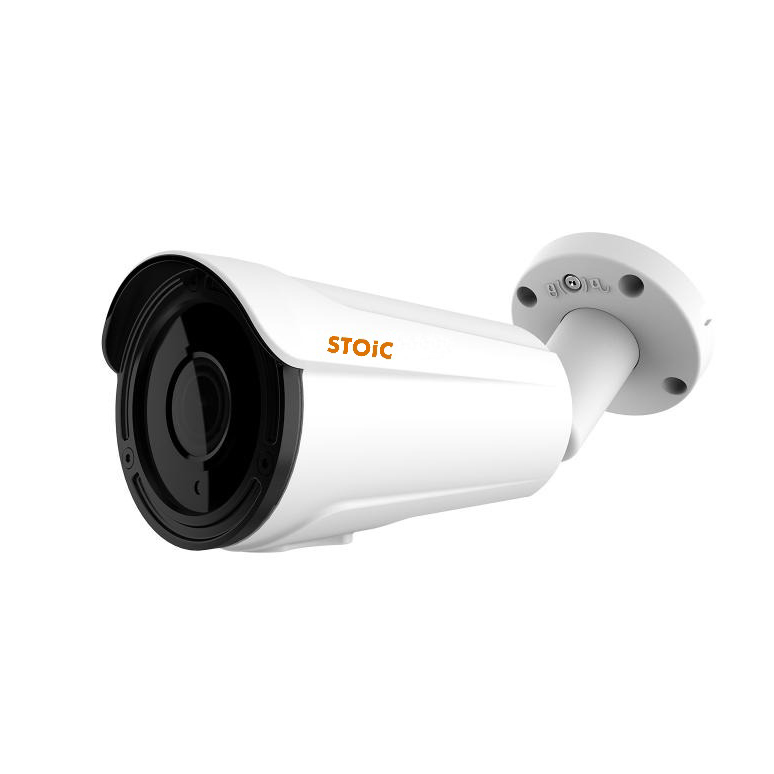
New Stoic Technologies 5MP Vari-Focal Starlight Bullet Cameras

STH-B5571AFW

Starlight Bullet Cameras from Stoic Technologies! If you are searching for a better camera for your HD Security Camera System we have some great options for you. The new 5MP Starlight Bullet Cameras from Stoic Technologies, are a welcome addition to our 5MP HD over Coax Line Up. These new starlight cameras have been extremely […]

Continue Reading
Posted on

STOiC XVR Quick Start Guide and STOiC Manual

Thank you for choosing STOiC Technologies Products. The STOiC Technologies XVR and DVR Quick Start Guide and Stoic manual are attached below for your convenience. Additional information and technical support is available from Ellipse Security, Inc. If you need assistance, please call 877-880-7728. Applicable Models: 2MP Models SAS-XVR400 SAS-XVR800 SAS-XVR1600 SAS-XVR3200 5MP Models SAS-XVR5400 SAS-XVR5800 […]

Continue Reading
Posted on

STOiC Networking Quick Start Guide for XVR’s and NVR’s

Thank you for purchasing STOiC products. For help in getting connected, please follow the Stoic Quick Start Guide below. STOiC Technologies DVR’s, XVR’s, and NVR’s, allow for remote viewing over your network, via your PC and/or mobile devices so you always know what is happening at your business or home. All STOiC Security Camera Systems […]

Continue Reading
Posted on

FREEIP Quick Start Guide

FREEIP Remote Viewing Application and Quick Start Guide FREEIP is the free remote viewing application for STOiC DVR’s and XVR’s. FreeIP allows you to dial in from your mobile device and watch live streaming video of your security cameras in real time. You can also hear audio (if applicable) and control motorized cameras such as […]

Continue Reading
Posted on

Guarding Expert App Quick Start Guide

Guarding Expert Remote App for iPhone & Android The Guarding Expert app allows for Remote Monitoring of Live and Recorded Video for our complete line of Tru View NVR’s, Network Video Recorders, and Network Cameras. You can play back recorded files, view live video from multiple cameras, control PTZ and Motorized Zoom Cameras, Screen Shot, […]

Continue Reading
Posted on

850nm vs. 940nm, IR Wavelength Comparison for CCTV Applications

There are two common IR wavelengths used in CCTV applications today. IR or Infrared wavelengths are measured in ‘nm’ or nanometers, which are used to specify the wavelength of electromagnetic radiation near the visible part of the light spectrum. Visible light ranges from about 390 to 700nm. The IR in CCTV applications take over from […]

Continue Reading
Posted on

How to Connect Your CCTV Security Camera System to Multiple Monitors

A  facet of security camera system applications that we are asked about frequently is, “How Do I Hook Up Several Monitors to my Security Camera System?” Some Security DVRs have both a HDMI and a VGA output. A few of these can be used simultaneously, but most are designed to use one or the other. […]

Continue Reading
Posted on

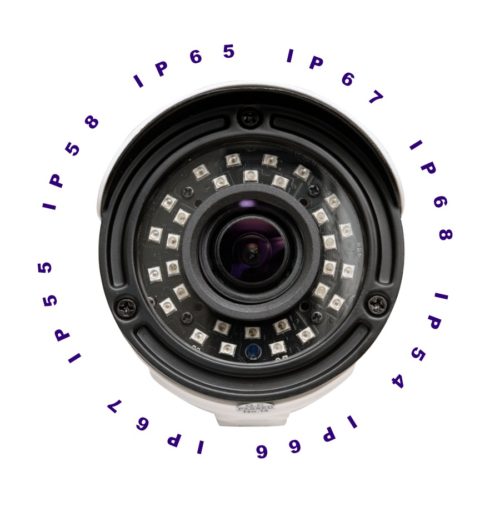
Ingress Protection or IP Ratings for Security Cameras

INGRESS PROTECTION

What are IP or Ingress Protection Ratings for Security Cameras? IP or Ingress Protection ratings for security cameras (as well as many other electronics) are used to define levels of Ingress Protection, or the level of effectiveness against intrusion from foreign bodies such as dust, water, moisture, tools and hardware. These ratings are based on […]

Continue Reading
Posted on

How to add Audio to my Security Camera System?

We are often asked “How to add audio to a CCTV camera security system?” Adding audio to an existing surveillance camera system involves  some basic requirements. Even if your system supports audio, that does not always mean that your cameras have built-in mic’s. Most Security Camera systems are set up in a similar way, and […]

Continue Reading