


Setting the System Time and DST on Uniview Uniview System Time and DST settings. Manually Setting or Synchronizing the System Time 1. Click Setup > Common > Time, and then click the Time tab. 2. Select a synchronization mode. 3. Set the correct time zone and system time. You may also click Sync with Computer Time to synchronize the […]
Continue ReadingAuthor: Brent Valeski
Snapshot Settings on Uniview IP Cameras and NVRs
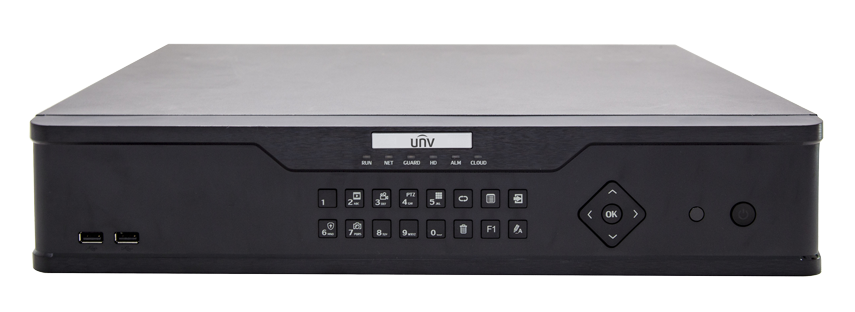
Setting up Snapshot on Uniview IP Cameras and NVRs :: set Snapshot on Uniview Note: This function or management page may vary with models. Please see the actual Web interface for details. Note: Only some certain models support the third stream. Please follow the instructions below for configuring the snapshot settings on Uniview IP Cameras. If […]
Continue ReadingThe advantage of using an NVR with Dual NICs
NVR with Dual NICs What’s a ‘Dual NIC’? We have been asked about using an NVR with Dual NICs (Network Interface Cards) and why some NVRs have them. To understand the advantages of a NVR with a Dual NIC, we should first understand exactly what ‘Dual NIC’ means. Essentially, a Dual NIC means that an […]
Continue ReadingIK10 Security Cameras – What is IK10?
IK10 Impact Ratings for Security Cameras Have you been asked to find an IK10 Rated Security Camera for a project? If so, you may have wondered “What Exactly is IK10?” Since we carry several IK10 Security Cameras, we have been asked this question numerous times and decided to dedicate a post to briefly describing what […]
Continue ReadingUniversal Block Storage (UBS) incorporated in Uniview NVR’s
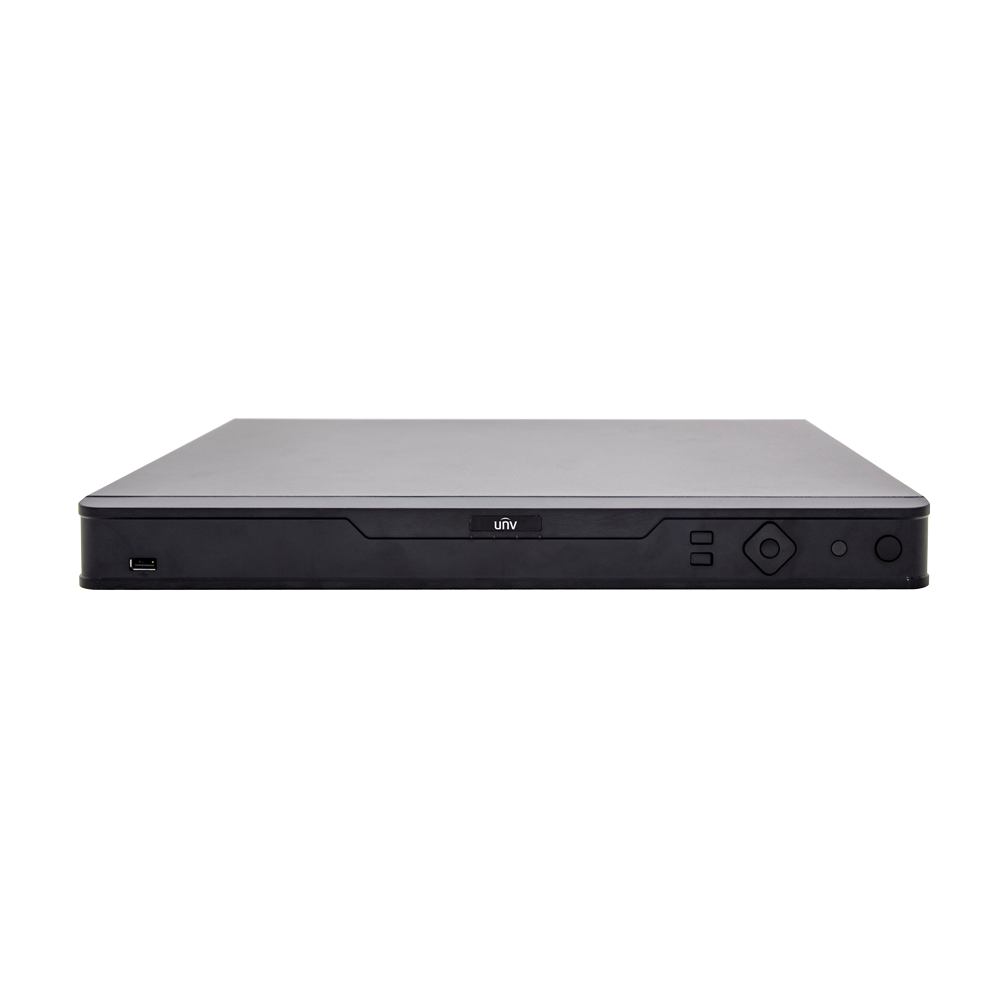
UBS Technology from Uniview (Universal Block Storage) Uniview has been a leader in surveillance technology since IP Cameras were first introduced. Since then, the company has continued to dedicate large resources to developing new technology to serve the surveillance industry. One of UNV’s many innovations is their UBS Technology that is incorporated in their NVR […]
Continue ReadingEZView Mobile Surveillance App for Uniview
Ellipse Security is a Uniview Authorized Distributor Uniview Mobile Client Software Uniview’s EZView Mobile Surveillance App is user friendly, and robust. The Mobile Client Software supports iOS and Android, Phones and Tablets. Up to 6 Devices can be added or up to 100 channels. Add a device by scanning a QR Code or S/N Log […]
Continue ReadingEZStation VMS Video Management Software for Uniview IP Cameras, NVR’s, Hybrid DVR’s and Devices
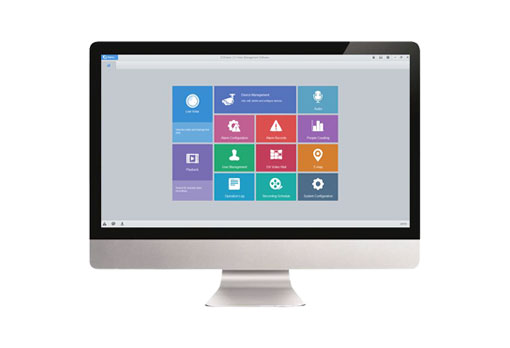
Ellipse Security is a Authorized Distributor for Uniview EZStation Video Management Software – VMS for Uniview IP Products Unified management for Uniview’s IP cameras, NVRs, hybrid NVRs, network keyboards, decoding devices Efficient device management: Automatic device discovery (or search by network segment); add devices by IP address/domain name; add devices by EZDDNS; add […]
Continue ReadingHow to Set Scene Change Detection on a Uniview NVR
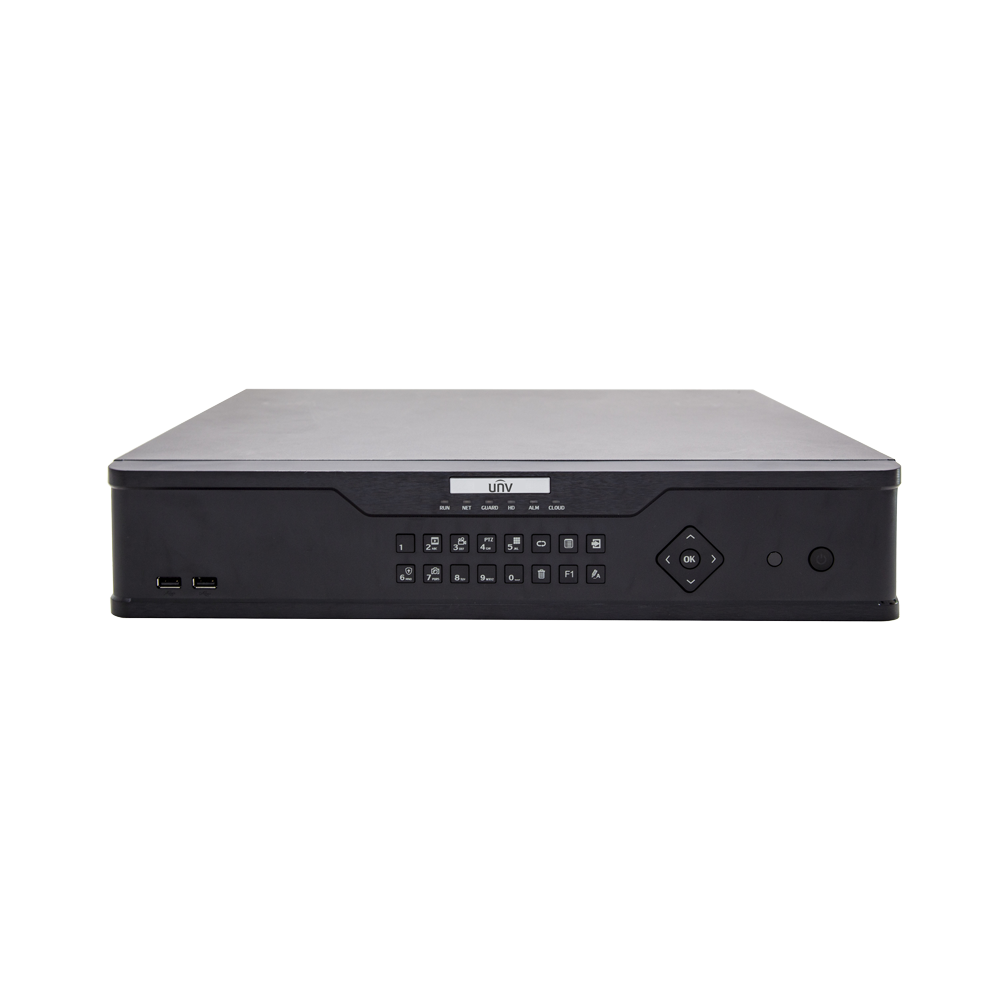
How do I set Scene Change Detection on a Uniview NVR? Uniview Scene Change Detection for UNV NVR’s Note: Only some certain models support this function. Please see the actual model for details. Note: This function, management page and supported alarm triggering and arming schedule may vary with models. Please see actual Web interface for […]
Continue ReadingCCTV Glossary of Terms

Here is a Glossary of Common (and not so common) CCTV Terminology. When choosing a surveillance camera, or a security camera system, it is helpful to be able to identify what terminology is relevant to your application. Since CCTV is evolving rapidly, we hope to come back often to update this list and keep you […]
Continue ReadingView From Anywhere with BitVision for DVR and P2P
BITVISION REMOTE VIEWING APPLICATION View From Anywhere with Bitvision! Stoic Technology has partnered with HeroSpeed to provide DVR and P2P devices for Bitvision, a new and improved remote management application. The Bitvision app delivers an upgraded user experience and new functions in remote viewing with Stoic DVR’s and XVR’s. With Bitvision, view your P2P security […]
Continue Reading